ALL3D glossary
Packshot
A packshot is a clean image of a product shown by itself, usually against a white or neutral background, with the product's shape, color, materials, and details clearly visible.
- silo image
- product-on-white image
Definition
What is packshot?
Packshots are the foundation of most ecommerce image sets. They give shoppers an unobstructed view of the item and are commonly used as the primary image on product detail pages, category pages, digital catalogs, and online marketplaces.
A useful packshot is accurate before it is dramatic. The product should be complete, evenly lit, sharply defined, and large enough in the frame to inspect. A consistent camera angle, background, crop, and shadow treatment also helps a catalog feel coherent as shoppers move between products.
In one sentenceA packshot presents a product clearly and consistently, giving shoppers a dependable first view before they explore details, alternate angles, or lifestyle imagery.
Business value
Why packshot matters
A packshot often becomes the first image a shopper sees in search results or on a product page. Its clarity affects both marketplace compliance and the shopper's ability to recognize and compare the item.
Make the product easy to assess
A distraction-free view lets shoppers examine silhouette, construction, finish, color, and included components.
Support marketplace listings
A clean background, readable product scale, and minimal styling align with the primary-image conventions used by many ecommerce marketplaces.
Create a consistent catalog
Repeatable angles, crops, lighting, and spacing make related products easier to browse and compare on category and product pages.
Build a versatile source image
A well-isolated product can be resized for commerce channels or used as the starting point for alternate views and contextual creative.
The workflow
What makes a useful packshot
Whether it is photographed or rendered, an effective packshot follows a few practical principles.
- 1
Represent the exact product
Match the approved shape, proportions, materials, colorway, hardware, and included parts without adding features that are not sold.
- 2
Choose a revealing view
Use a front or three-quarter angle that explains the form, then add side, back, top, or detail views when they answer important purchase questions.
- 3
Keep presentation controlled
Use even lighting, crisp edges, a clean background, natural grounding, and enough resolution for shoppers to inspect the product closely.
- 4
Prepare it for the channel
Export the correct dimensions, crop, file format, color profile, and background treatment for the product page, marketplace, or catalog where it will appear.
In practice
Common packshot examples
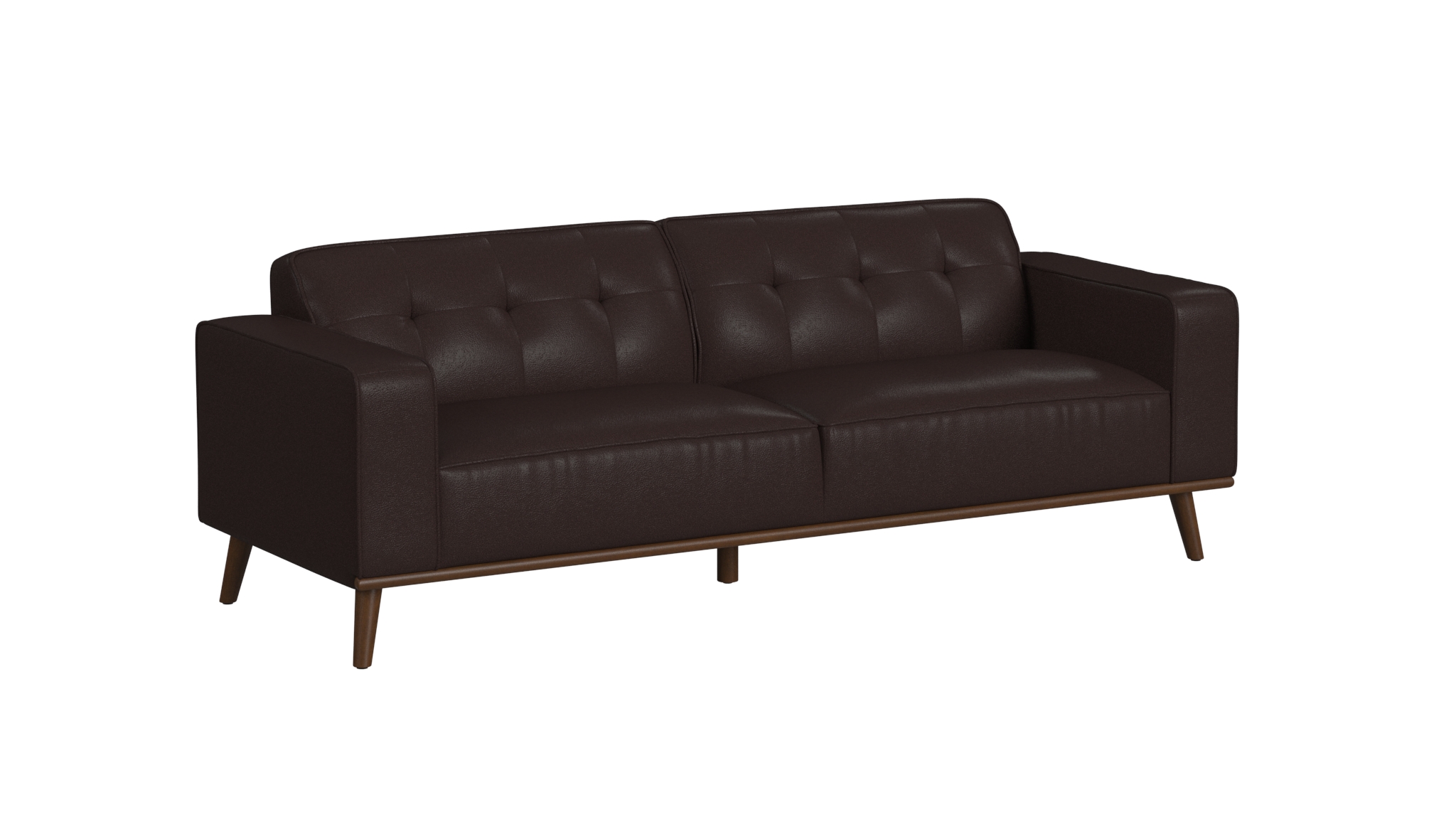
Primary product image
A clear three-quarter view communicates the overall form while keeping every major product feature visible.
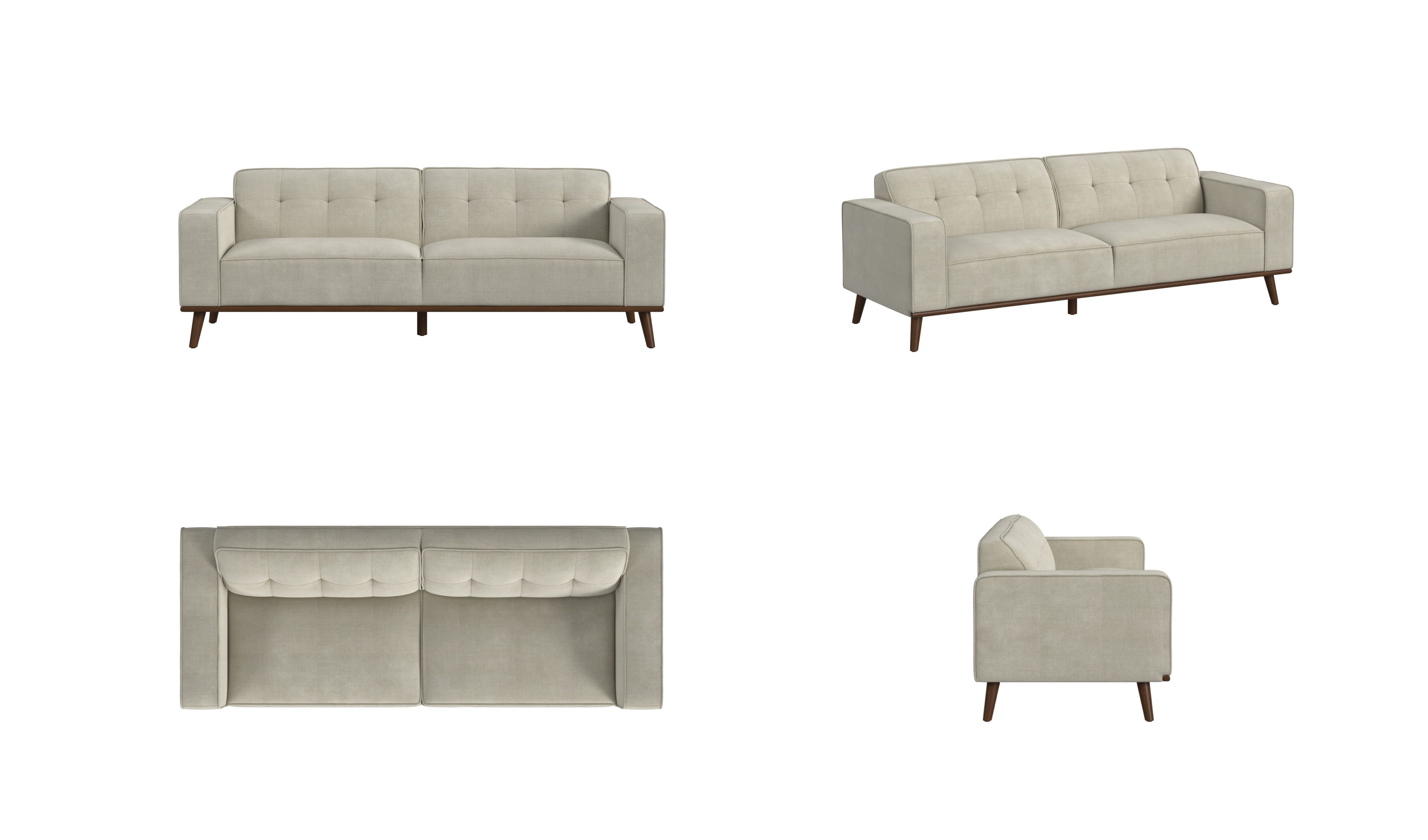
Multi-angle image set
Front, three-quarter, top, and side views help shoppers understand the same product from every useful direction.
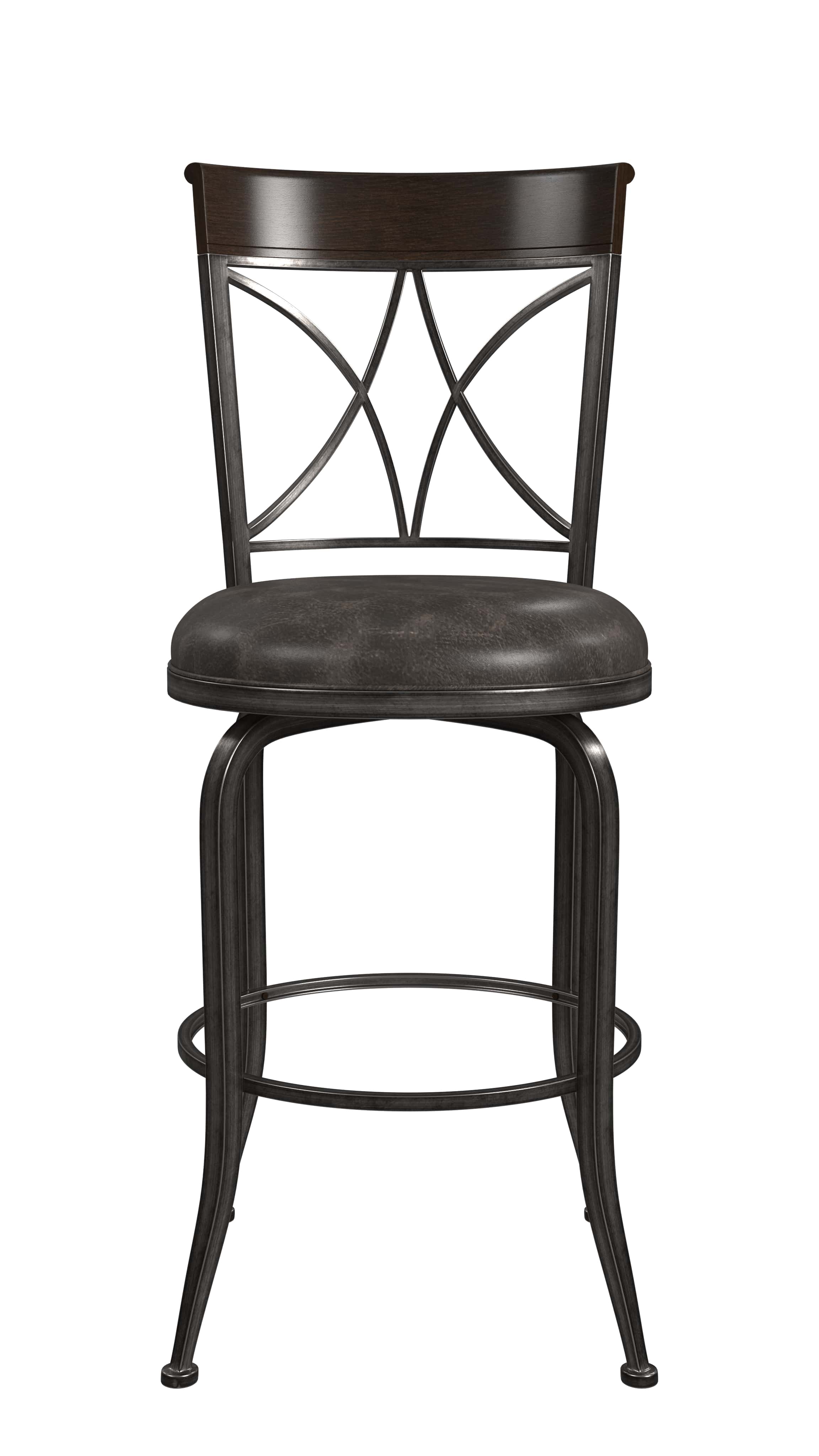
Straight-on catalog view
A centered head-on image makes the product's proportions, construction, and finish easy to compare with similar items.
The distinction
Packshot vs. lifestyle image
Both belong in a strong ecommerce image set, but each answers a different shopper question.
| Compare | Packshot | Lifestyle image |
|---|---|---|
| Primary purpose | Show exactly what the product looks like | Show how the product can look in context |
| Background | White, neutral, or transparent | A styled room, location, or use case |
| Visual focus | The product alone | The product within a broader composition |
| Common placement | Primary listing image, category page, or catalog | Product gallery, campaign, social post, or advertisement |