ALL3D glossary
Lifestyle image
A lifestyle image is a product image that presents an item in a styled, believable setting to communicate how it fits into a customer's life.
- lifestyle render
Definition
What is lifestyle image?
Unlike an isolated product view, a lifestyle image gives the product a world around it. Furniture might appear in a complete room, cookware on a prepared table, or a handbag within a setting chosen to express a particular mood and audience.
That context does practical and emotional work at the same time. Familiar objects, architecture, and people can help shoppers judge scale and use, while the setting, light, color, and composition build a story about the brand and the life the product is designed for.
In one sentenceA lifestyle image helps shoppers imagine owning and using a product by showing it in relevant context.
Business value
Why lifestyle image matters
A clean product view explains what an item looks like. A strong lifestyle image goes further by helping shoppers understand where it belongs, how it may be used, and what it can feel like to live with it.
Make scale easier to read
Surrounding furniture, rooms, hands, and other familiar references help shoppers interpret a product's proportions more naturally than dimensions alone.
Show real use
Place the product in a relevant moment or environment so its purpose, placement, and relationship to other items are immediately clear.
Build a brand story
Use styling, lighting, color, and composition to connect the product with a specific audience, occasion, season, or point of view.
Give campaigns more range
Create setting-led imagery for product pages, launches, marketplaces, email, advertising, and social content without asking one image to serve every channel.
The workflow
How a lifestyle image is created
Whether the image is photographed, rendered in 3D, or created with AI-assisted tools, the strongest results begin with an accurate product and a clear creative idea.
- 1
Define the story
Choose the audience, setting, use case, mood, and channel the image needs to support.
- 2
Stage the context
Build a scene with appropriate surfaces, props, lighting, camera angle, and scale references while keeping the product as the focal point.
- 3
Check product accuracy
Review proportions, materials, color, branding, contact shadows, and placement so the product remains faithful and believable within the scene.
- 4
Prepare channel-ready versions
Adapt the approved composition to the crops, aspect ratios, and resolutions needed across ecommerce and marketing channels.
In practice
Common lifestyle image examples
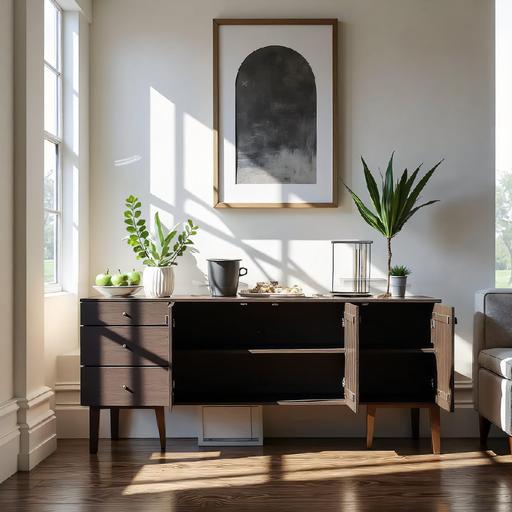
Room context
A sideboard shown in a sunlit interior communicates its intended placement and how its finish works with surrounding materials.
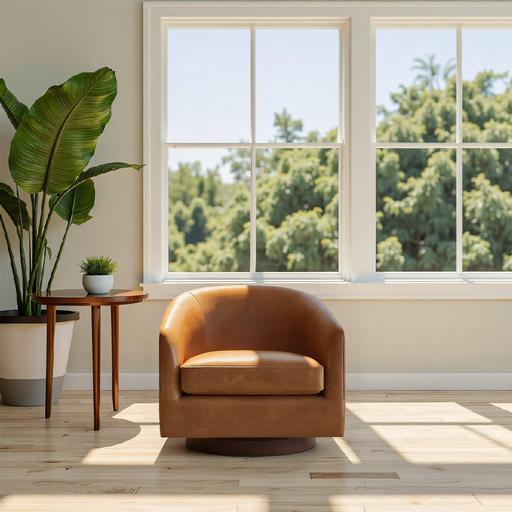
Scale and placement
An armchair beside a table, window, and plants gives shoppers familiar references for judging its proportions and visual weight.
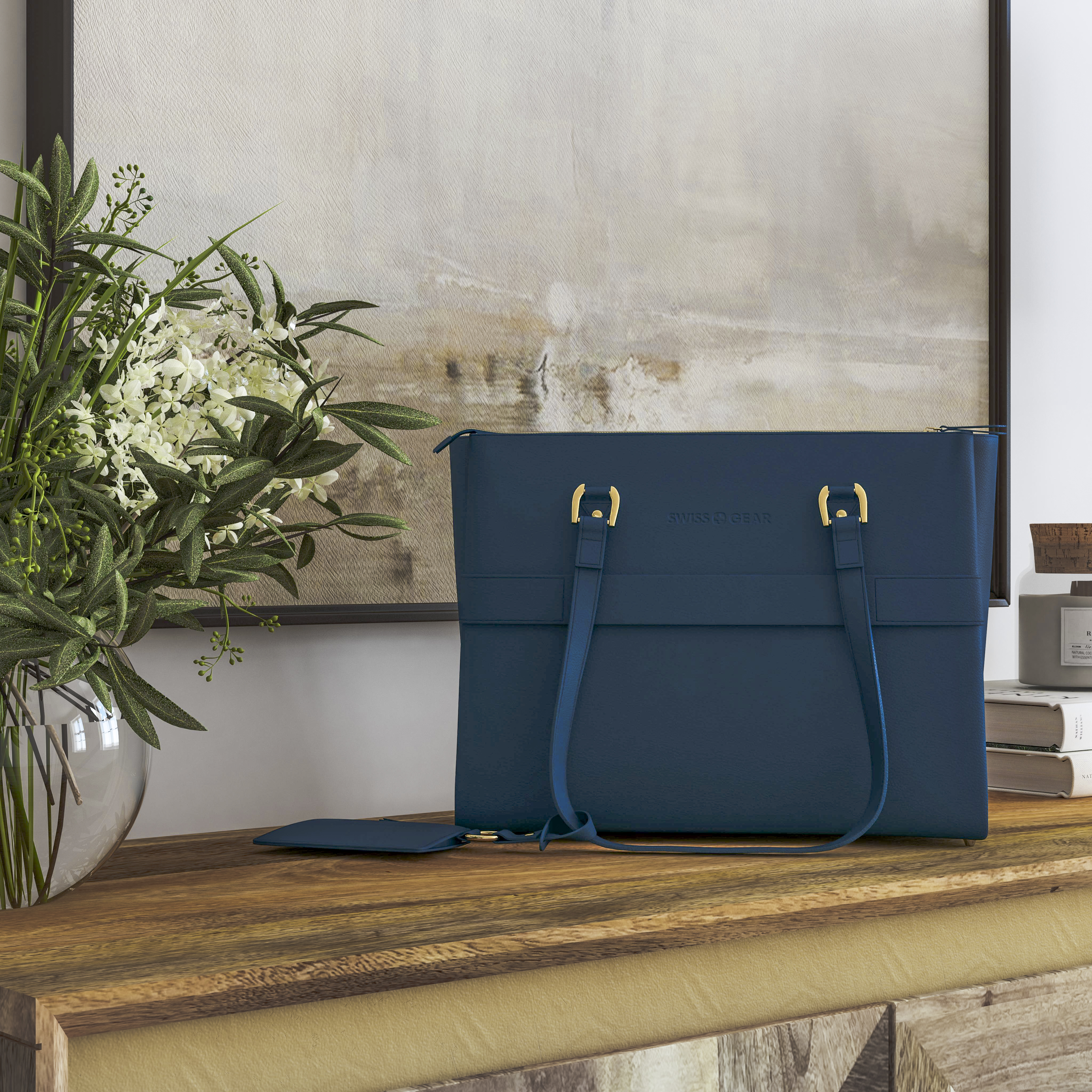
Brand storytelling
Art, greenery, warm wood, and soft light create an elevated mood around a handbag without competing with the product.
The distinction
Lifestyle image vs. packshot
The formats complement each other. Packshots prioritize clear inspection, while lifestyle images add context, scale, and narrative.
| Compare | Lifestyle image | Packshot |
|---|---|---|
| Setting | A styled environment or recognizable use case | A simple, controlled background |
| Primary purpose | Show how the product fits into a life or space | Show the product itself as clearly as possible |
| Scale | Communicated through the scene and familiar references | Usually communicated through dimensions or supporting views |
| Creative role | Mood, aspiration, storytelling, and campaign expression | Consistency, comparison, and close product inspection |