ALL3D glossary
Product photography
Product photography is the practice of planning, lighting, and capturing images of a physical product to communicate its appearance, details, quality, and use.
- commercial product photography
- ecommerce product photography
Definition
What is product photography?
For ecommerce, product photography includes more than a single hero image. A complete shot list may cover front, side, back, detail, packaging, in-scale, and lifestyle views so shoppers can inspect the product from several perspectives.
The creative approach depends on what the image needs to do. Clean studio photography isolates the product for easy comparison, while styled photography places it in a setting that expresses scale, purpose, and brand character.
In one sentenceProduct photography turns a physical product into a clear, trustworthy set of images for shopping and marketing.
Business value
Why product photography matters
A shopper often encounters the images before the product description. Thoughtful photography makes the item easier to evaluate while giving the brand a consistent visual foundation.
Make details easy to inspect
Show shape, materials, finish, construction, and included parts with the angles and close-ups a customer needs.
Build confidence
Accurate color, proportion, and condition help set realistic expectations before a customer buys.
Create a consistent catalog
Repeatable lighting, framing, and backgrounds make products easier to compare across a collection or marketplace.
Express the brand
Styling, composition, and environment can communicate who the product is for and how it belongs in their life.
The workflow
How a product photography shoot works
The scale can range from a tabletop setup to a location production, but a reliable workflow follows the same basic sequence.
- 1
Plan the shot list
Define the required angles, details, formats, backgrounds, and channel specifications before production begins.
- 2
Prepare the product and set
Select a production-ready sample, clean and style it, then arrange the background, props, camera, and lighting.
- 3
Capture and review
Photograph each planned view and check focus, color, reflections, scale, and product accuracy while changes are still practical.
- 4
Finish and deliver
Retouch approved selects, apply consistent crops and color treatment, and export files for each sales and marketing channel.
In practice
Common product photography examples
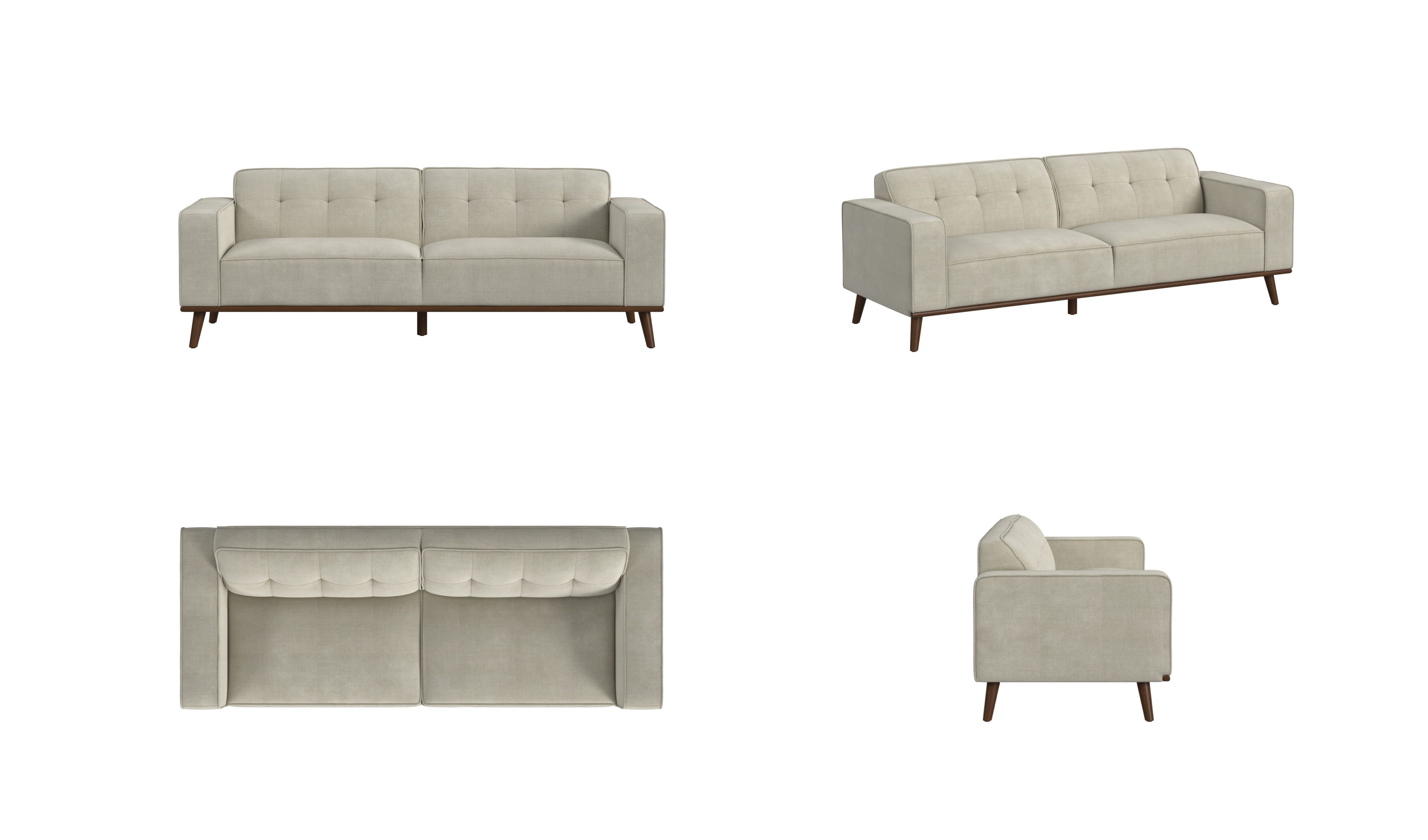
Multi-angle product photography
Front, three-quarter, overhead, and side views help shoppers understand a product's complete form and construction.
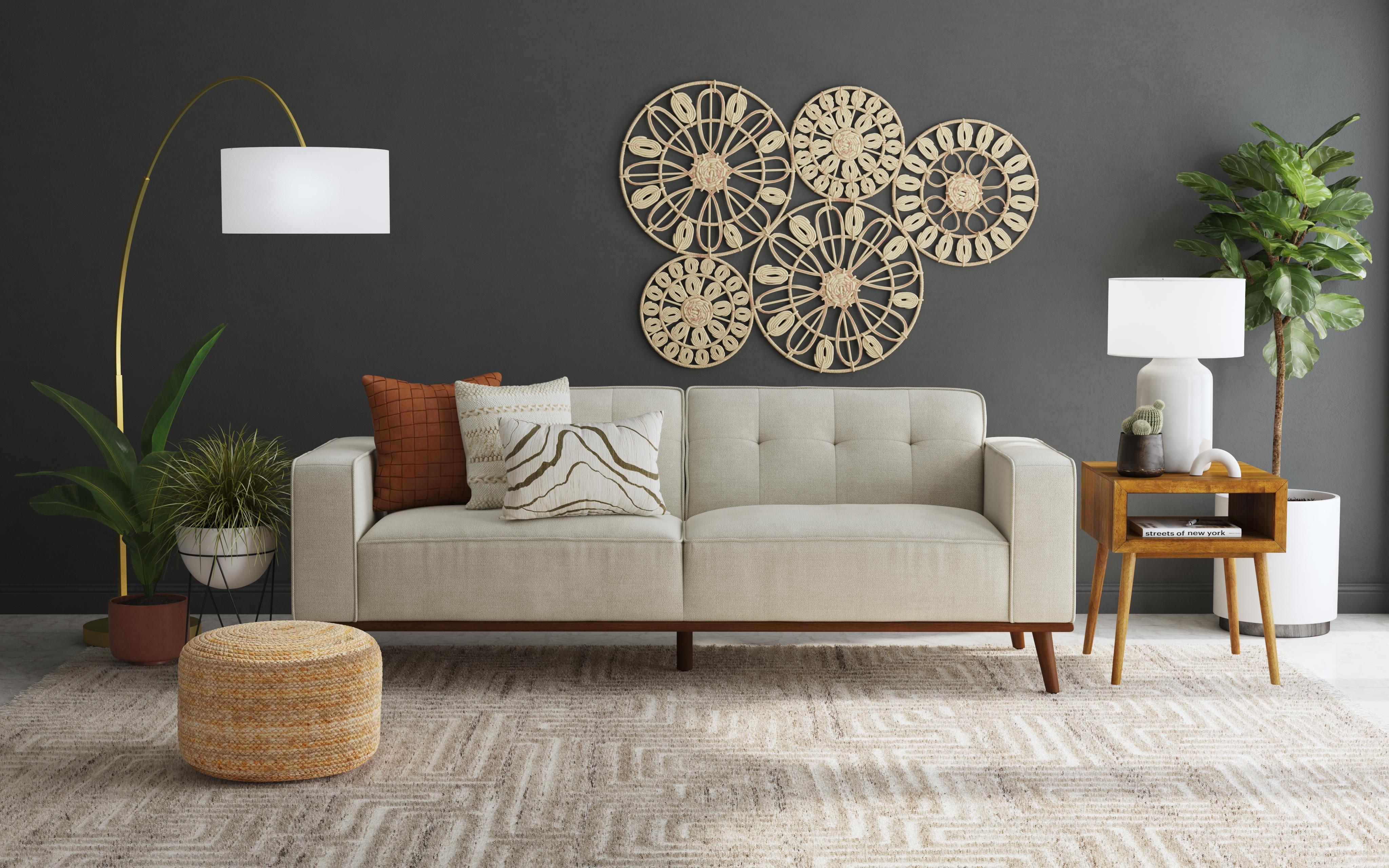
Lifestyle photography
A styled setting gives the product visual context and supports a particular use case, audience, or campaign story.
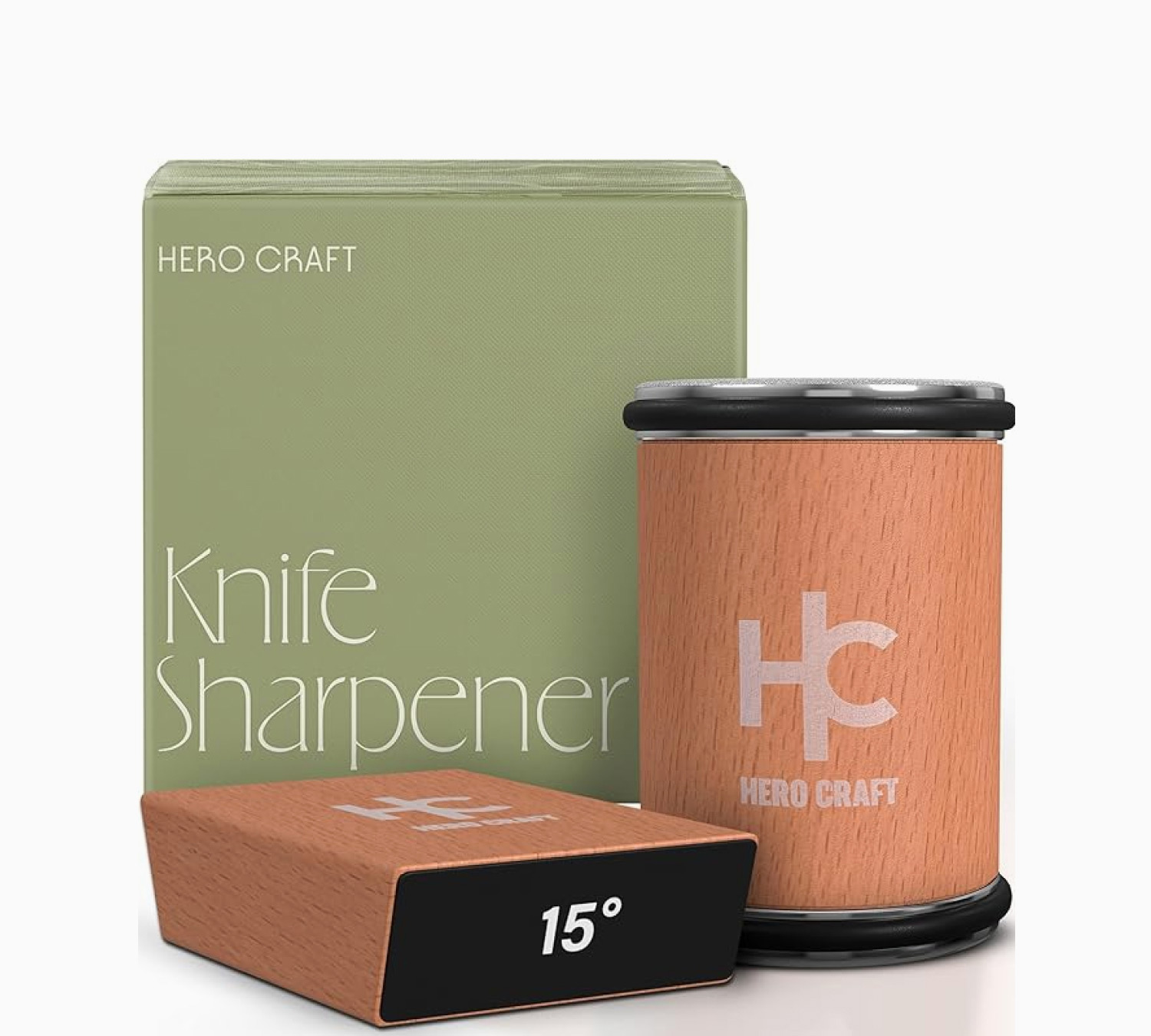
Product grouping
A composed group shot can show packaging, accessories, or related items together while preserving a clear hierarchy.
The distinction
Product photography vs. product visualization
Photography and product visualization are complementary ways to create ecommerce content. The right choice depends on the available product source, the creative goal, and how often the content must change.
| Compare | Product photography | Product visualization |
|---|---|---|
| Starting point | A production-ready physical sample | Product references, design files, or a 3D model |
| Natural strengths | Capturing physical texture, real-world variation, talent, and spontaneous detail | Creating controlled variations, prelaunch content, and outputs beyond still images |
| Making changes | Restyle, relight, or reshoot the physical setup | Adjust the digital scene, camera, material, or configuration |
| Best workflow | Use when the physical product and an authentic capture are central to the brief | Use when flexibility, scale, or reuse across many formats is central to the brief |